
Account, cashier and help
SpinBob registration, payment methods and 24/7 support
The two step sign-up form, the cards, wallets and seven coins in the cashier, the iOS app card and the chat window that connects you to the support desk.
- 13 payment methods
- Two step sign-up
- Chat at any hour
Sign-up
The SpinBob registration form, stage one
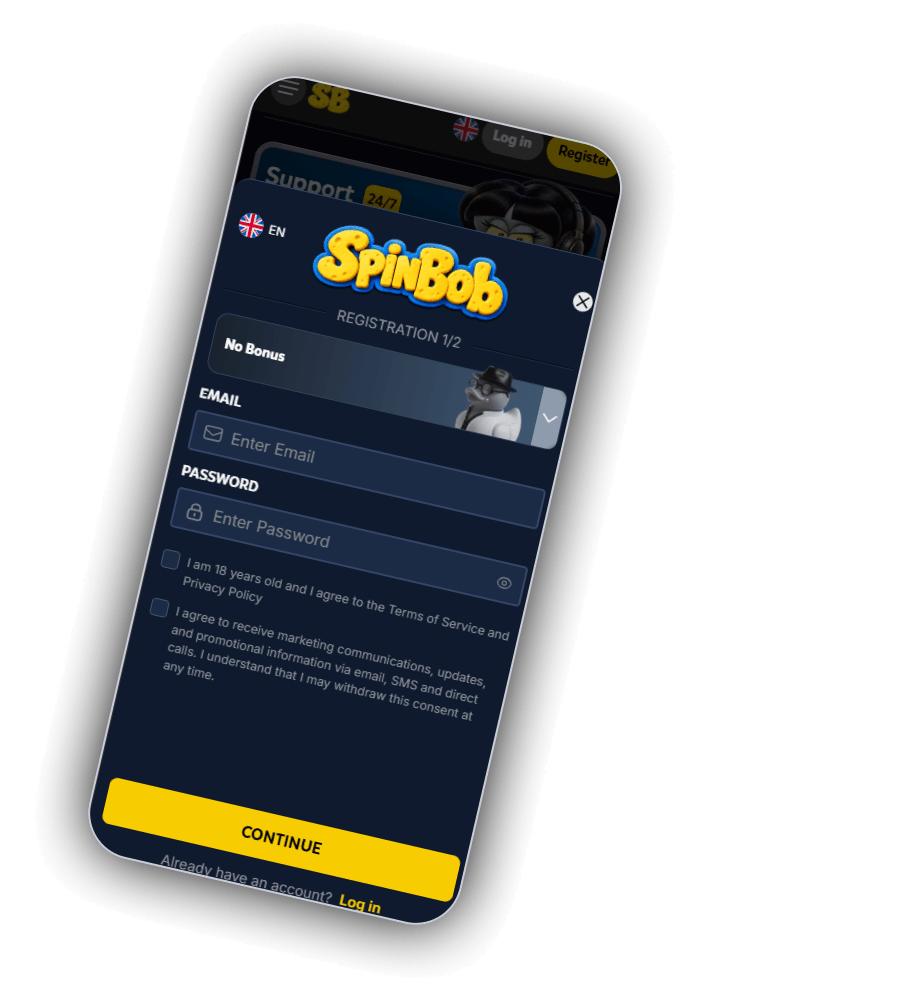
The sign-up form opens over the SpinBob logo with an EN language switch and the heading REGISTRATION 1/2, so there are two short stages. A bonus selector sits at the top and reads No Bonus until you open its dropdown.
The first stage asks for two things:
- EMAIL, in the field marked Enter Email
- PASSWORD, in the field marked Enter Password, with an eye icon to show what you typed
Two boxes follow. Ticking the upper one is required: it states your age as at least 18 and your acceptance of the SpinBob Terms of Service and Privacy Policy. The lower one agrees to marketing by email, SMS and direct calls, and the form states that you can withdraw this consent at any time. A yellow CONTINUE button moves to stage two, and a line at the bottom offers Log in for members who already have an account.
Cashier
Thirteen payment methods and the iOS app card
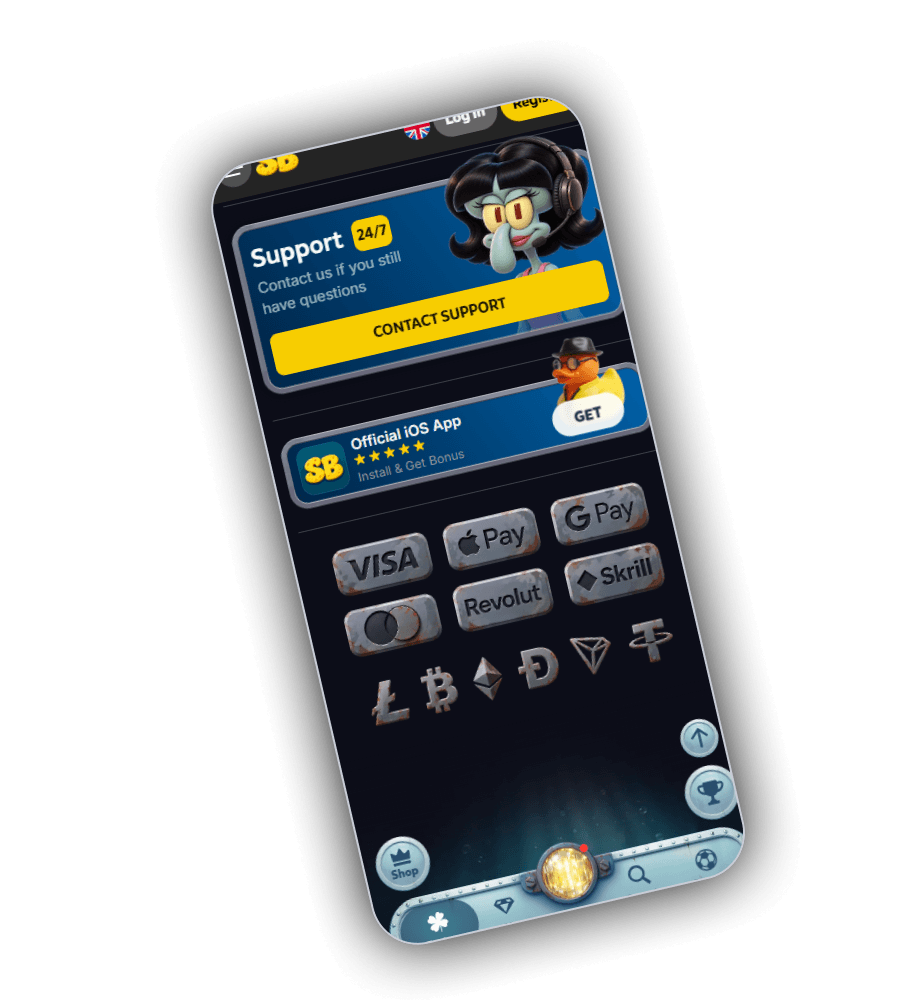
The cashier screen starts with two cards. Support 24/7 carries the line Contact us if you still have questions, a CONTACT SUPPORT button and a cartoon agent with a headset. Official iOS App shows five stars, an offer to install the app and get a bonus, and a GET button.
Below the cards a steel panel shows the payment logos. These are the 13 methods SpinBob accepts:
| Group | Methods |
|---|---|
| Cards | Mastercard, Visa |
| Phone wallets | Google Pay, Apple Pay |
| E-wallets | Skrill, Revolut |
| Cryptocurrency | Tether, Tron, Bitcoin Cash, Bitcoin, Dogecoin, Ethereum, Litecoin |
Payments are processed by Winstrax Ltd, HE 479794, of 59 Agiou Gennadiou, Flat/Office 103, 2054 Nicosia, Cyprus. Crypto deposits need the network that matches the coin, so check the address and network shown in the cashier before you send.
Support
Opening a chat with the SpinBob support desk
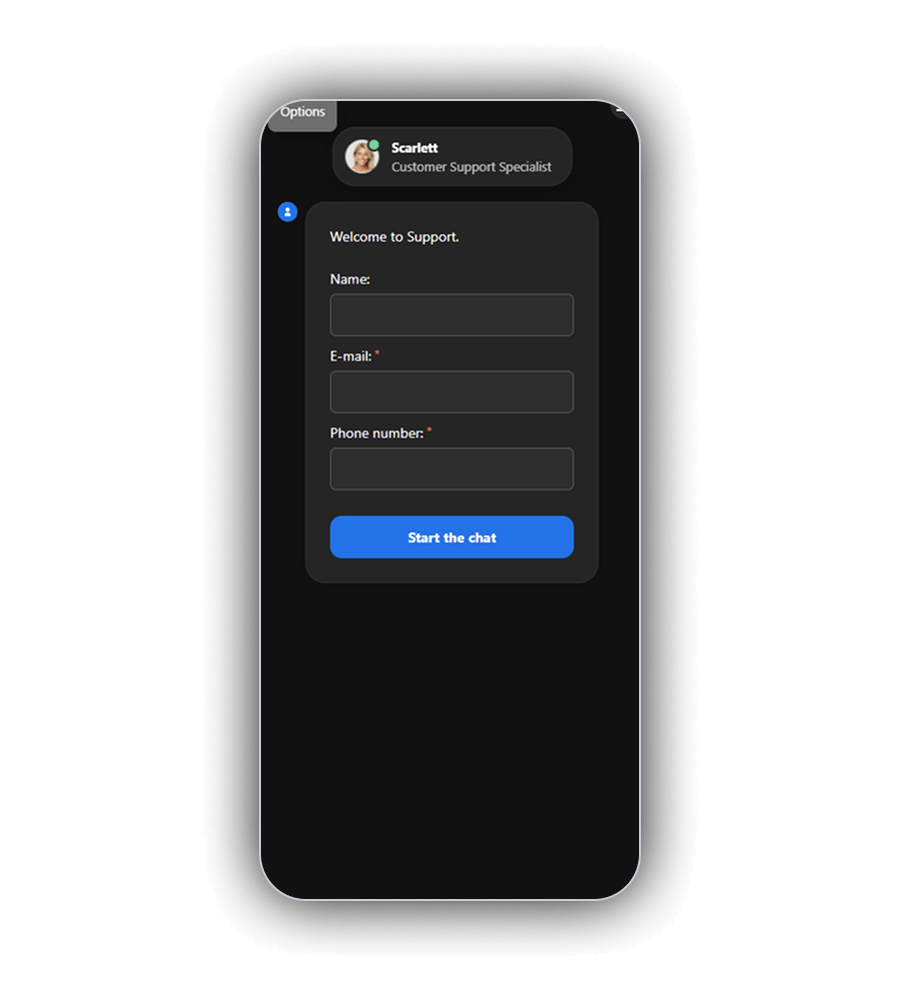
CONTACT SUPPORT opens a chat window with Scarlett, Customer Support Specialist, at the top and an Options tab in the corner. The window greets you with Welcome to Support and asks for three details: Name, E-mail and Phone number, with the last two marked as required.
Once the fields are filled in, the blue button labelled Start the chat sends them and the conversation window takes over. The desk is staffed around the clock, and [email protected] is there for anything that needs a written record, such as a question about a payment or a document.
Have your account email ready when you write in. It is the quickest way for the agent to find your account. Questions about the prize cards, such as the jackpot pool of about £844,000 or the £21,096 tournament, go through the same chat.
Questions
Account and payment questions
How many steps does SpinBob registration have?
Two. The first asks for an email address, a password and the two consent boxes, then CONTINUE opens the second step.
Which wallets can I use at SpinBob?
Apple Pay, Google Pay, Revolut and Skrill, next to Visa, Mastercard and seven cryptocurrencies.
Who answers the SpinBob chat?
The chat window shows Scarlett, Customer Support Specialist. The desk works around the clock.